Krishna Video Editing / Krishna Video Editing VN Code
If you are looking for Krishna’s trending VN Code then you are at the right place. In this post, we are going to share useful information about creating attractive Lord Krishna status videos using the VN Video Editor. Krishna-themed videos are very popular on Instagram Reels, YouTube Shorts, Facebook, and other social media platforms.
What is Krishna Video Editing VN Code?
A Krishna Video Editing VN Code is generally used with the VN Video Editor to help users recreate a particular video editing style or template. Instead of adding every effect, transition, text, music beat, and animation manually, you can use a ready-made project or template and customize it with your own photos and videos.
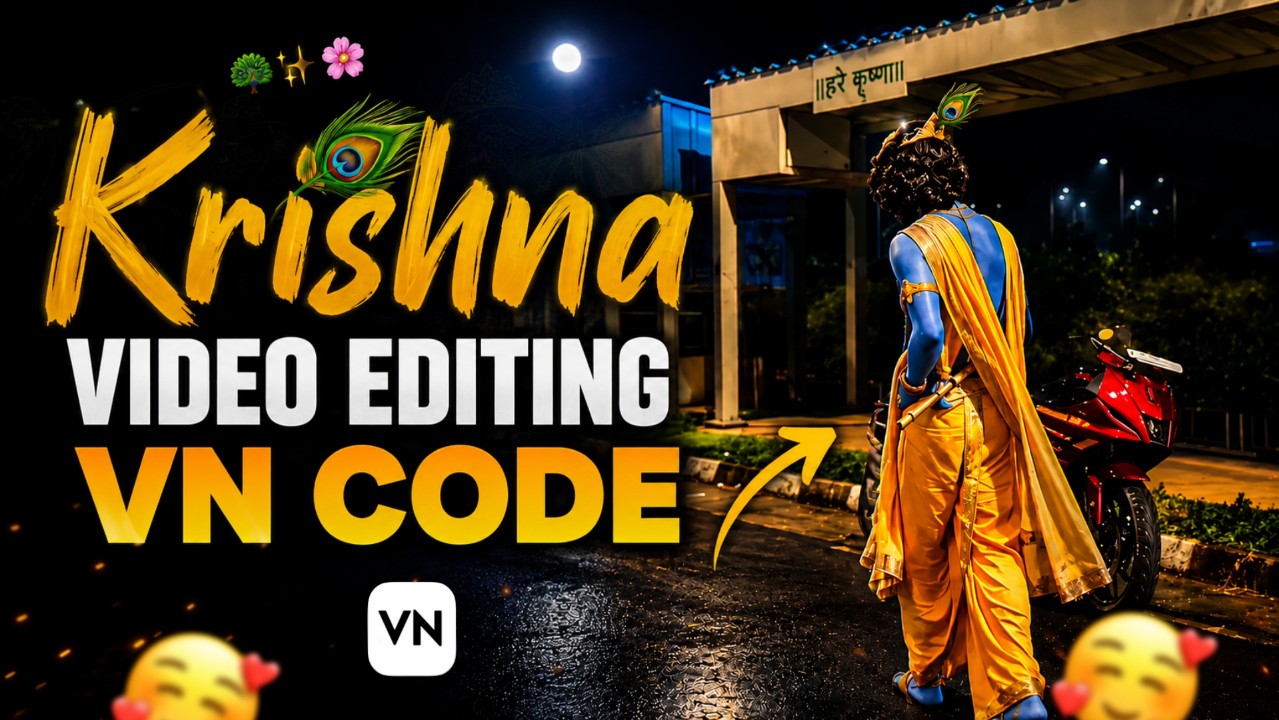
The template shown in this post features a cinematic Krishna-themed design with a night background, colorful lighting, a peacock feather, and a stylish text layout.This effect makes your social media more attractive.
Krishna editing templates are especially popular for creating Janmashtami videos, Krishna status videos, devotional reels, birthday edits, Radha Krishna videos, and Instagram Shorts.
Why Use VN Video Editor?
VN Video Editor is a popular mobile video editing application that provides many useful editing tools.Learners can easily create it with the help of VN Code.
Multiple video and photo layers
- Text and title animations
- Beat-based editing
- Transitions
- Filters and effects
- Speed control
- Music and sound effects
- Keyframe animation
- Color adjustment
Because of these features, VN is useful for creating devotional videos, Instagram Reels, YouTube Shorts, status videos, and other social media content
VN Code ⤵️

How to Create a Krishna Video Using VN Code
First install the VN application on your smart phone.After opening the application, import the required project or template if you have a compatible VN project/code.Next, replace the sample photos and clips with your own Krishna images or videos. Try to use high-quality images because they will give your final video a much better appearance. You then change the text according to your requirements. For example, you can add text such as “Jai Shree Krishna,” “Radhe Radhe,” “Hare Krishna,” or “Shree Krishna”.After adding your photos, adjust their duration according to the music beats. You can also use transitions and zoom effects to make the video smoother.
Best Photos for Krishna Editing
For a beautiful Krishna video, use high-resolution images. You can use pictures of Lord Krishna with a flute, peacock feather, Radha Krishna artwork, Krishna temples, or devotional backgrounds.
For a cinematic look, try using images with blue, golden, orange, or dark backgrounds. These colors can work especially well with Krishna-themed edits.
You can also combine several photos to create a slideshow-style video. Add smooth transitions between each image and synchronize the changes with the music.
Export Settings for High-Quality Video
Once your editing is complete, check the video carefully before exporting it. For Instagram Reels, YouTube Shorts, and other vertical platforms, is usually suitable.For good quality, you can export the video in 1080p if your original photos and videos support that resolution. If your device and source material allow it, higher-resolution export may also be available.Make sure the exported video does not have unwanted black borders or incorrectly cropped images.
Final Words
The Krishna Video Editing VN Code is a great option for anyone who wants to create attractive Krishna-themed videos quickly and easily. With VN Video Editor, you can customize photos, text, music, transitions, effects, and animations according to your style. If you are learning, VN template saves you time. If you enjoy creating Krishna Status, Radha Krishna Videos, Janmashtami Reels, and trending devotional edits, this type of VN template can be a useful addition to your editing collection. Keep experimenting with different photos, effects, transitions, and music to create unique videos for your audience.