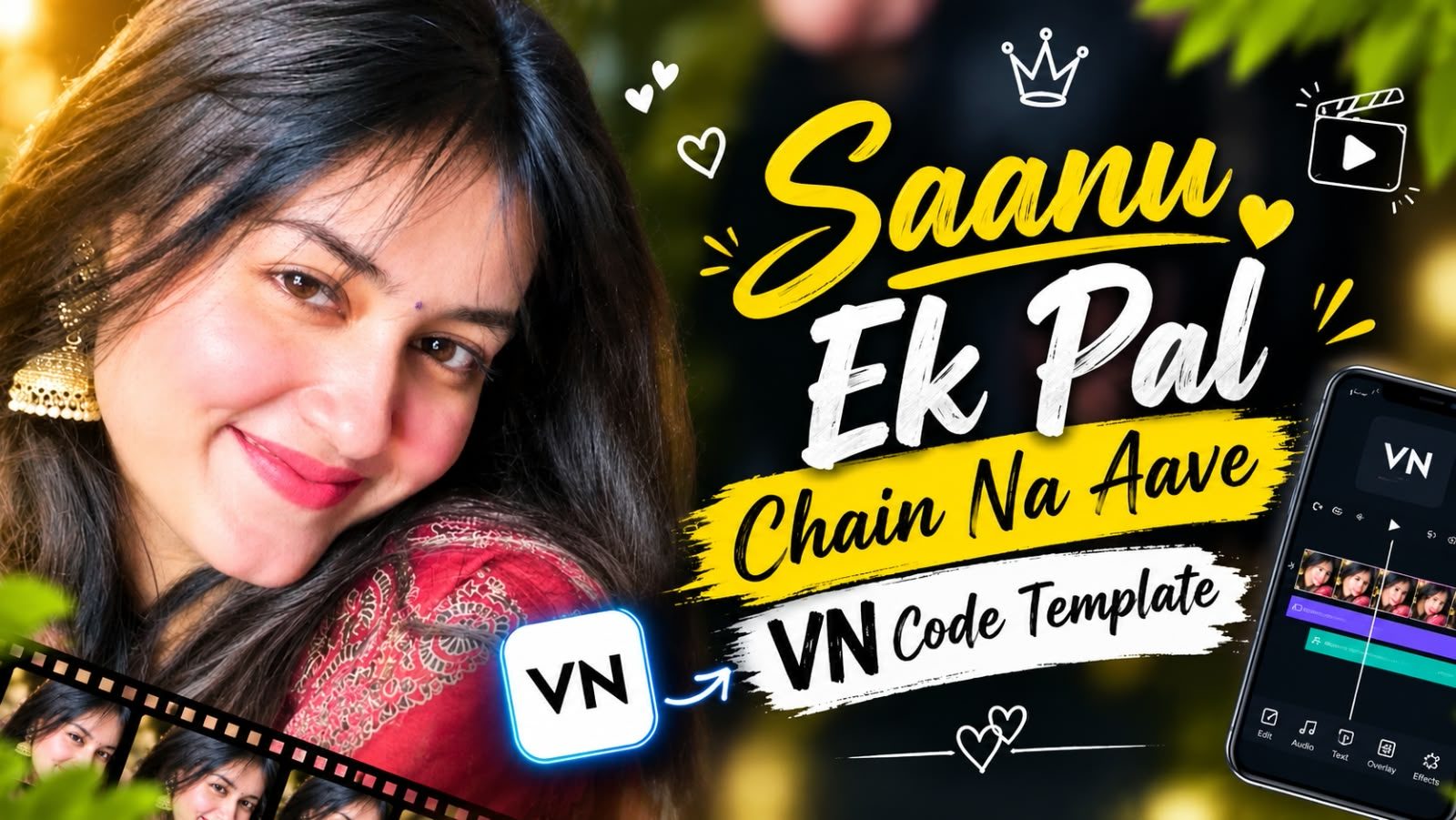
Saanu Ek Pal Chain Na Aave VN Code - Trending Reel Template
The Saanu Ek Pal Chain Na Aave VN Code is one of the most loved lyrics edits on Instagram Reels right now. It takes a single close-up portrait, softens the background, and places the words of the song in bold, tall letters right beside the face. The result feels emotional and personal, and it only takes a few minutes to make in the VN Video Editor app.
Below you will find a preview of how the final video looks, the VN code QR to load the template, and simple steps to replace the sample photo with your own. Everything is free and works on both Android and iPhone.
About the Saanu Ek Pal Chain Na Aave Song
Saanu Ek Pal Chain Na Aave is a classic qawwali made famous by Nusrat Fateh Ali Khan, and later heard by a new generation through its film version. The line roughly means I cannot find peace even for a moment without the person you love. That feeling of longing is exactly why it works so well for short romantic and emotional Reels.
On Instagram, creators use the most recognisable part of the song with a slow, soft edit. The music does the emotional work, and the visual stays simple: one face, warm skin tones and the lyrics in large letters.
What Is the Saanu Ek Pal Chain Na Aave VN Code?
A VN code is a QR image that opens a ready-made project inside the VN Video Editor app. This template already includes the song timing, the lyrics text, the font, the dotted texture overlay and the colour grading. You only replace the sample photo with yours and export.
Because all of the editing is already done, you do not need any editing experience. Beginners get the same clean result as experienced editors.
Video Preview
This is how your Reel will look. The photo fills the frame, the background is gently blurred, and the lyrics Saanu Ek Pal Chain Na Aave sit beside the face in tall cream coloured letters with a fine dotted texture over the image.
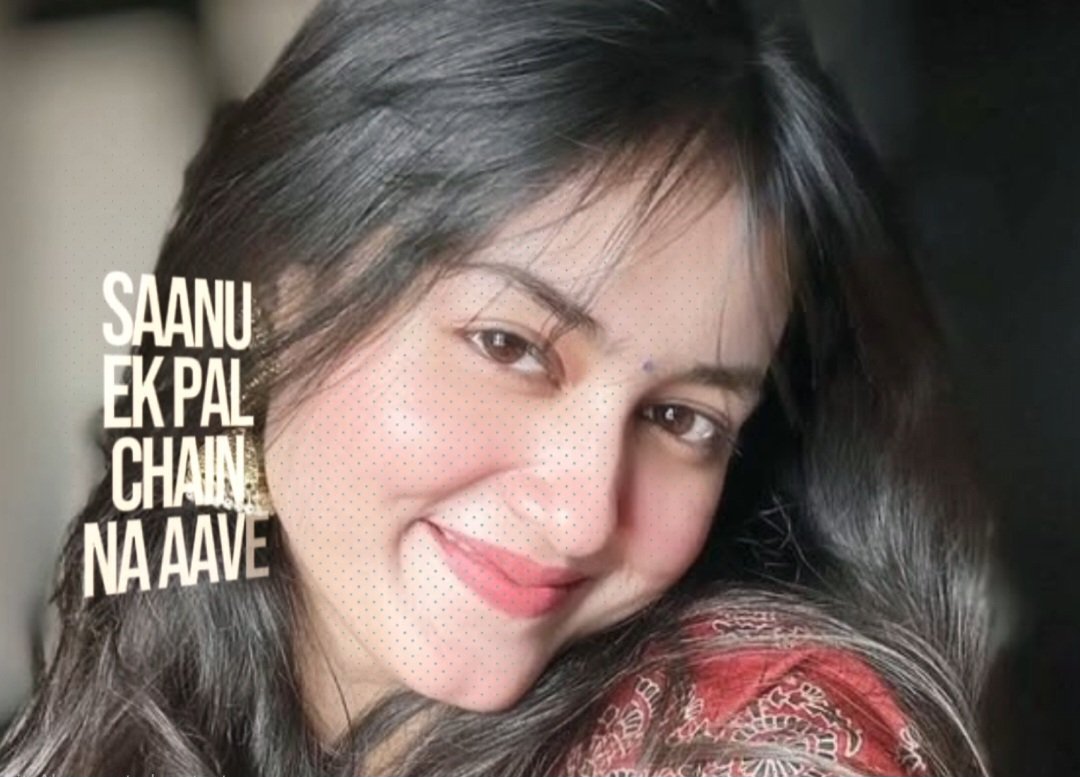
VN CODE ⤵️
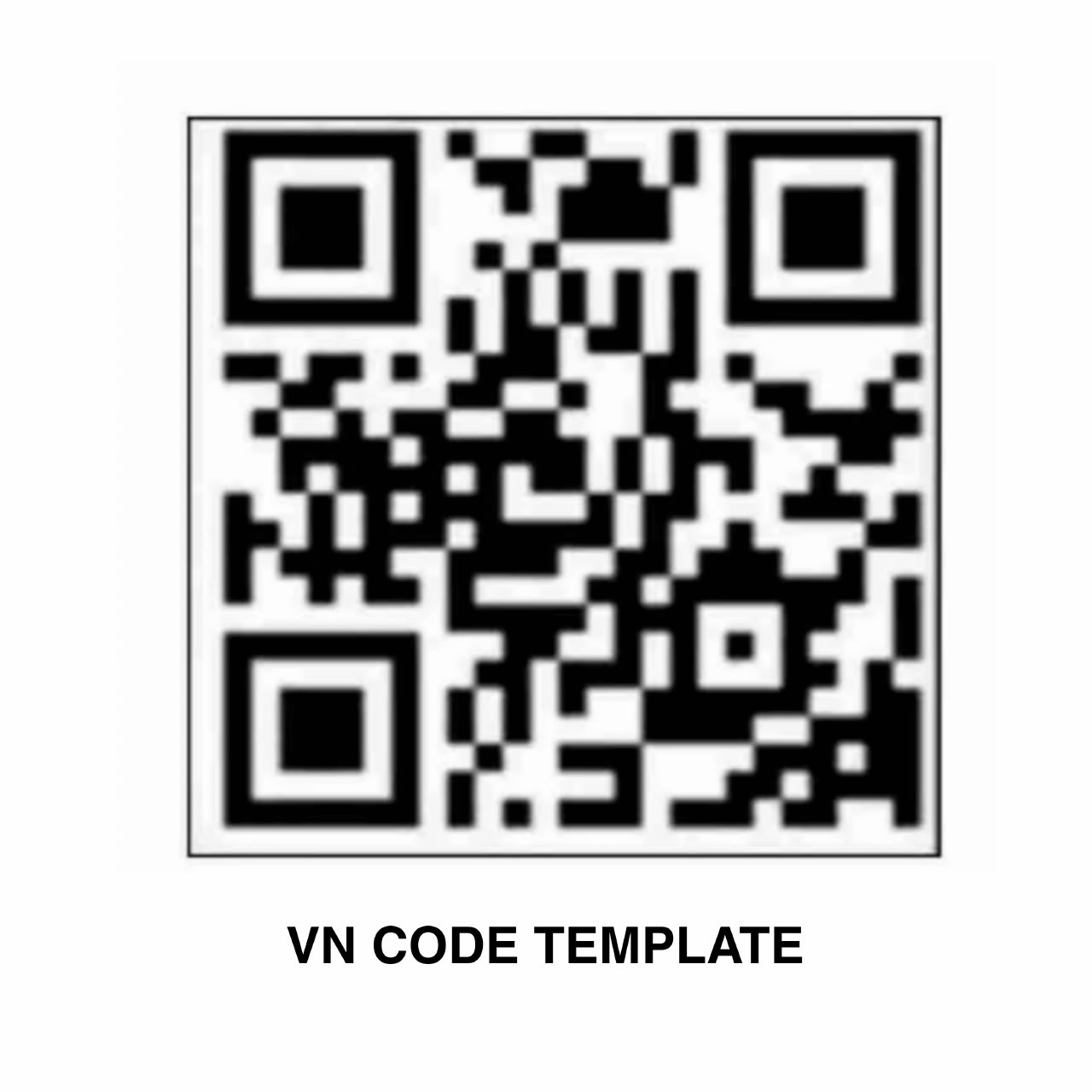
Tip: Tap the QR image to open it in full size, then long-press and save it to your gallery. You can also simply take a screenshot of it.
Features of This VN Template
- Synced with the trending part of the Saanu Ek Pal Chain Na Aave song.
- Bold, tall lyrics typography placed beside the face.
- Soft dotted halftone texture for a vintage, poster-like look.
- Warm, natural colour grading that flatters skin tones.
- Vertical 9:16 format, ready for Instagram Reels, WhatsApp Status and YouTube Shorts.
- Works with a single photo, so it is very quick to make.
What You Need Before You Start
- The VN Video Editor app on your phone (free on Play Store and App Store).
- One clear close-up photo. A smiling portrait with the face turned slightly works best.
- The QR image above saved to your gallery.
How to Open the Saanu Ek Pal Chain Na Aave VN Code
- Save the QR image above to your phone gallery. On most phones you press and hold the image, then choose Download image.
- Install the VN Video Editor app if you do not have it yet.
- Open VN and tap the + button, then choose Template.
- Tap the scan (QR) icon in the top corner and select the saved QR image from your gallery.
- The template will load with the song, lyrics text and effects already set.
- Tap the sample photo and replace it with your own photo.
- Preview the edit, then tap Export and choose 1080p for the best quality.
Best Photos for This Edit
This template is built around a single face, so the photo matters more than anything else. Choose a close-up where the face fills most of the frame and the eyes are sharp. Soft natural light, like light from a window or evening sun, blends best with the warm colour grading.
Leave some empty space on one side of the face, because that is where the lyrics appear. A photo where the face is centred or slightly to the right gives the text room to breathe. Avoid group photos, very dark pictures and images that have been forwarded many times, as compression becomes visible in a close-up.
Tips to Make Your Reel Stand Out
- Use the original trending audio when you upload, so your Reel reaches people who are already listening to it.
- Pick a photo with a soft, genuine expression. A gentle smile suits the mood of the song.
- Keep the caption short and emotional, for example a line from the song or a tag for someone special.
- Upload in the highest quality and turn on Upload at highest quality in Instagram settings.
- Add relevant hashtags such as #vncode, #lyricsedit and #saanuekpalchainnaaave.
Common Problems and Fixes
- The QR code does not scan. Make sure you saved the full image, not a cropped part. Update the VN app to the latest version and try again.
- The template opens without music. Check your internet connection, because VN downloads the audio when the template loads.
- The photo looks blurry. Use the original photo from your camera instead of one downloaded from WhatsApp.
- The lyrics cover the face. Pinch and move your photo inside the frame so the face sits away from the text.
More Trending VN Codes
- Baho Me De Bas Jane VN Code - an emotional cinematic edit.
- Ek Taraf Karam Ek Taraf Bhram VN Code - a viral song edit for Reels.
- Kammiya Ohh Kadde Kadi VN Code - a trending lyrics template.
- Instagram Viral Couple VN Code - a romantic couple template.
Frequently Asked Questions
Is the Saanu Ek Pal Chain Na Aave VN Code free?
Yes. The QR code is free to use, and the VN Video Editor app is free to download. You can export the video without a watermark.
Can I use more than one photo?
The template is designed for a single photo, which is what gives it its clean look. You can add more clips inside VN after loading the template, but the lyrics timing is set for one image.
Does it work on iPhone?
Yes. VN Video Editor is available on both Android and iPhone, and the QR code works the same way on both.
Can I change the lyrics text?
Yes. Tap the text layer in the VN timeline to edit the words, font size or position. Keep the same font if you want the trending look.
Conclusion
The Saanu Ek Pal Chain Na Aave VN Code turns one photo into an emotional lyrics Reel in just a few taps. Save the QR, load it in VN, replace the sample photo with a clear close-up and export in 1080p. Pair it with the trending audio when you post, and your Reel will fit right into one of the most loved trends on Instagram.