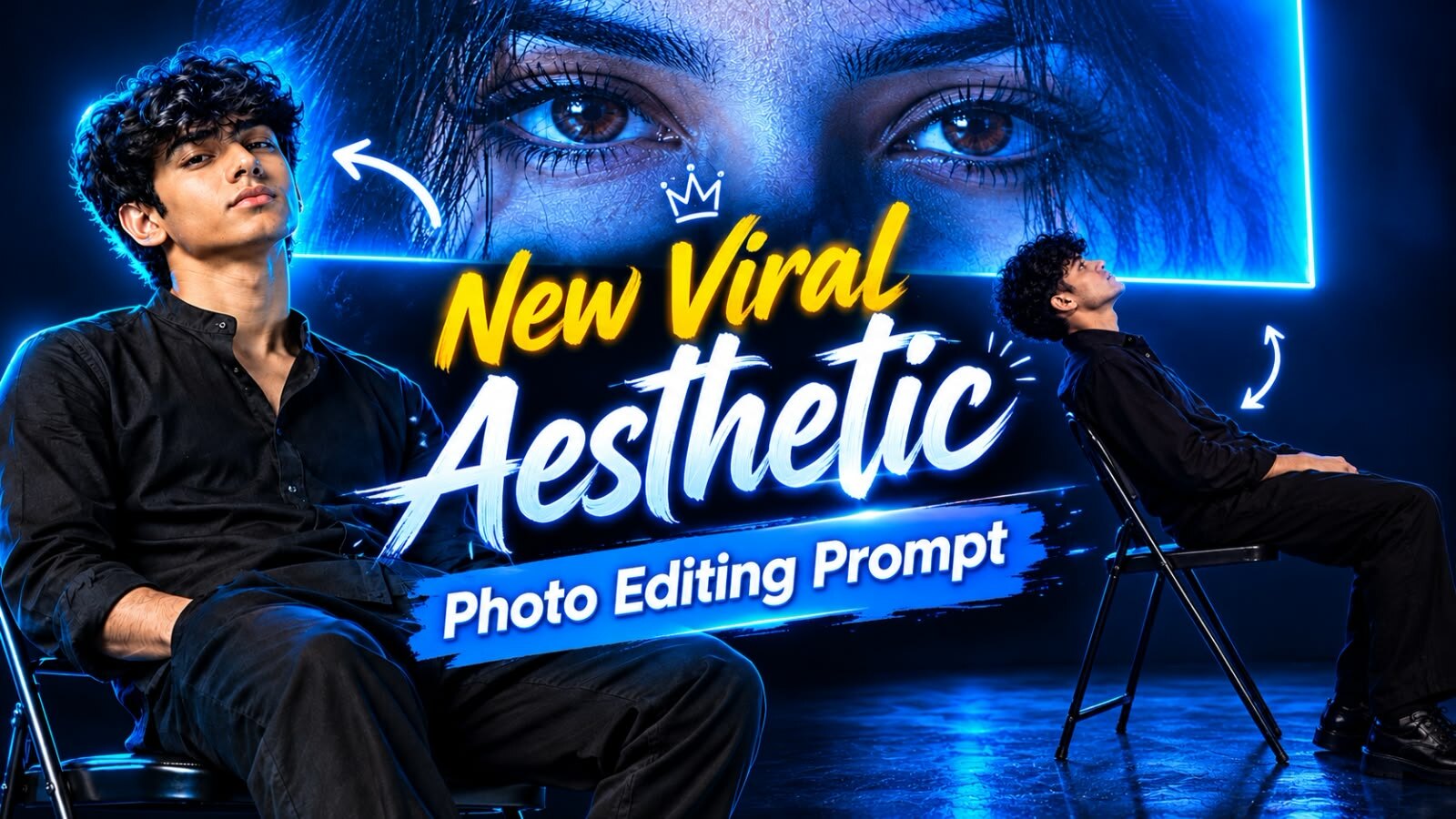
New Viral Aesthetic Photo Editing Prompt – Blue Neon Portrait with Giant Eyes Screen
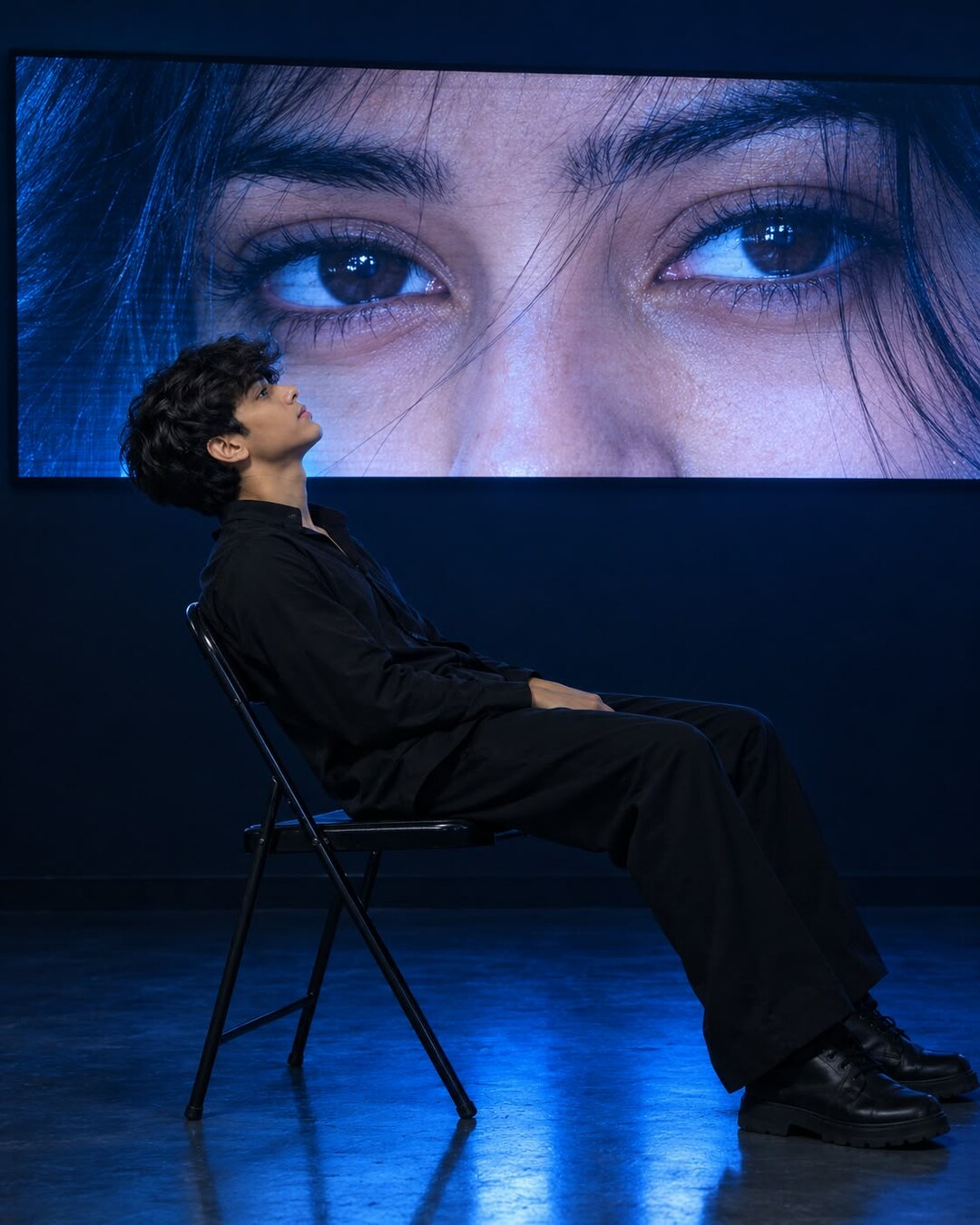
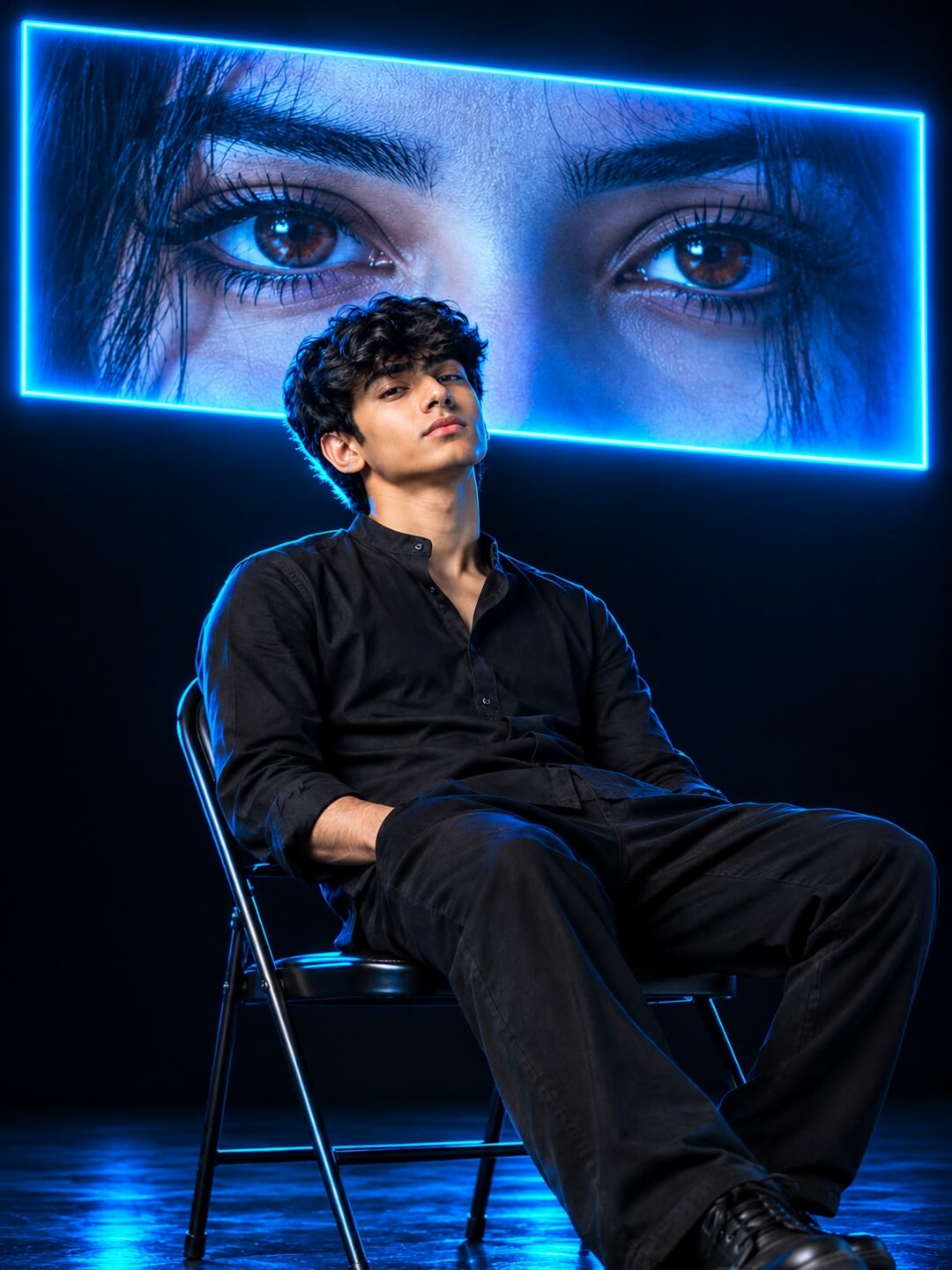
The blue neon studio portrait is one of the strongest looking AI photo trends on Instagram right now: a person sitting alone on a folding chair in a dark room, looking up at a giant glowing screen showing a close-up of someone’s eyes. It looks like a still from a film, and it needs no photoshoot, no studio and no lighting equipment. Two prompts are given below, both complete and ready to copy.
The first prompt is long and descriptive and gives you more control over the pose and the clothing. The second is short and leans on mood words, and it tends to produce a more dramatic, higher contrast result. Both are on this page, each with its own copy button.
Prompt 1 — The Detailed Version
Use this one when you want the pose, the outfit and the screen content described exactly. It is the safer prompt if you want a result close to the example below.
Copy Prompt ⤵️
Prompt 2 — The Short Cinematic Version
This version is written the way photographers describe a shot: mood first, details second. It gives the AI more freedom, so results vary more between attempts, but the lighting usually comes out stronger. It also asks for a 9:16 vertical frame, which fits Instagram Stories and phone wallpapers without cropping.
Copy Prompt ⤵️
Which Prompt Should You Use?
- Pick Prompt 1 if you want the side profile, the all-black outfit and the exact screen content. It repeats more reliably.
- Pick Prompt 2 if you want a bolder, more contrasty image and do not mind that each run looks different.
- Use both and keep whichever result you like. They are written for the same scene, so you can run one after the other with the same photo.
What You Need Before You Start
- An AI image tool that accepts a photo along with text. ChatGPT with image generation, Google Gemini and Grok all handle prompts of this length.
- One clear photo of yourself if you want your own face in the result.
- A few minutes, because this scene usually takes two or three attempts to come out clean.
Which Photo to Upload
This scene is lit from behind and from the side, which means a flat, well-lit source photo works far better than a dark one. If your photo is already dark, the AI has nothing to work with and the face disappears into the shadows.
- Use a photo taken in even daylight, with the whole face visible.
- A side profile or three-quarter angle matches the pose in the prompt better than a straight-on selfie.
- Avoid photos that already have a filter applied. The AI copies the filter and the skin ends up looking waxy.
- If you want the full body in the frame, upload a full body photo. The AI cannot invent your legs and shoes accurately from a face crop.
Step by Step
- Open the AI image tool you want to use.
- Upload your photo first, then paste the prompt. Uploading the photo before the text helps the tool treat it as the identity reference.
- Paste the full prompt. Do not shorten it, because the lighting words are what create the blue neon look.
- Generate, then download the largest file size the tool offers.
- If the first result is not right, run it again. These tools return a different image every time.
If the Result Does Not Look Right
- The face does not look like you. Add preserve the exact face from the uploaded photo, do not beautify or reshape at the end of the prompt.
- The image is too dark to see anything. Add add soft fill light on the subject, keep the face clearly visible.
- The screen behind is blank or shows something odd. Repeat that part in plain words: the screen must show a close-up of human eyes, nothing else.
- The blue is too strong. Add reduce blue saturation, keep natural skin tone.
- You got a square image. Add vertical 9:16 aspect ratio, which is already included in Prompt 2.
- The chair or hands look wrong. Generate again. Chairs and hands are the two parts AI tools get wrong most often in this scene.
Best Sizes for Posting
- Instagram post: vertical 4:5, around 1080×1350 pixels.
- Instagram Story or Reel cover: 9:16, around 1080×1920 pixels.
- Phone wallpaper: 9:16 at the largest size your tool allows, and set it from the downloaded file rather than a screenshot.
More Prompts You Might Like
- Blue Aesthetic DP Instagram Trending ChatGPT Viral Prompt — a portrait version of this blue lighting style, made for profile pictures.
- Aesthetic Fog Realistic Photo Prompt — the same moody approach using fog instead of neon.
- Beautiful Queen Dual Photo Prompt — builds a poster out of two uploaded photos.
Frequently Asked Questions
Do I need a paid AI plan?
No. Free tiers generate this style. Paid plans usually return a larger file and allow more images per day, which helps because this scene often needs a few attempts.
Can I use a photo of someone else?
Only with their permission. The photo you upload is sent to the AI service you are using, so check that service’s terms before uploading anyone else’s picture.
Why does the screen behind the person keep changing?
The screen content is the hardest part of this scene for AI tools, because it is an image inside an image. Repeating the description in simple words and generating a few times is the practical fix.
Can I use this for a Reel cover?
Yes. Use Prompt 2, which already asks for a 9:16 vertical frame, and keep the top of the image simple so the Reel title does not cover the face.
Conclusion
Both prompts on this page build the same scene in two different ways: one describes every detail, the other sets a mood and lets the AI fill in the rest. Copy whichever suits you, upload a clear photo, and run it two or three times before judging the result. The blue neon studio look depends almost entirely on the lighting words in the prompt, so keep those lines intact even if you change the outfit or the pose.